Explore the OS
See how your team would run it, screen by screen.
Adaptic OS is where your people set the limits, watch the book, decide what needs judgment and review every trade. These are the screens they would use.
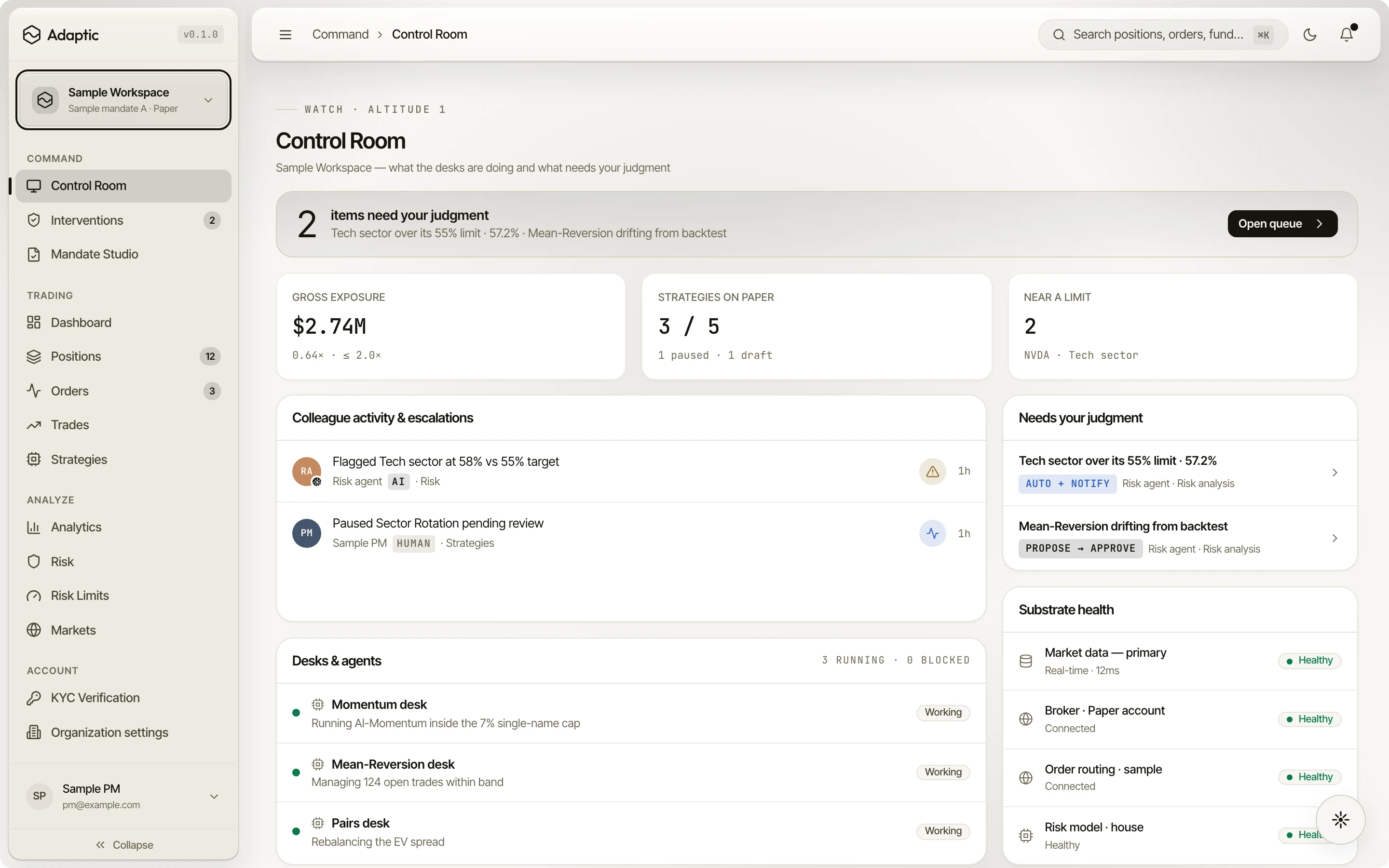
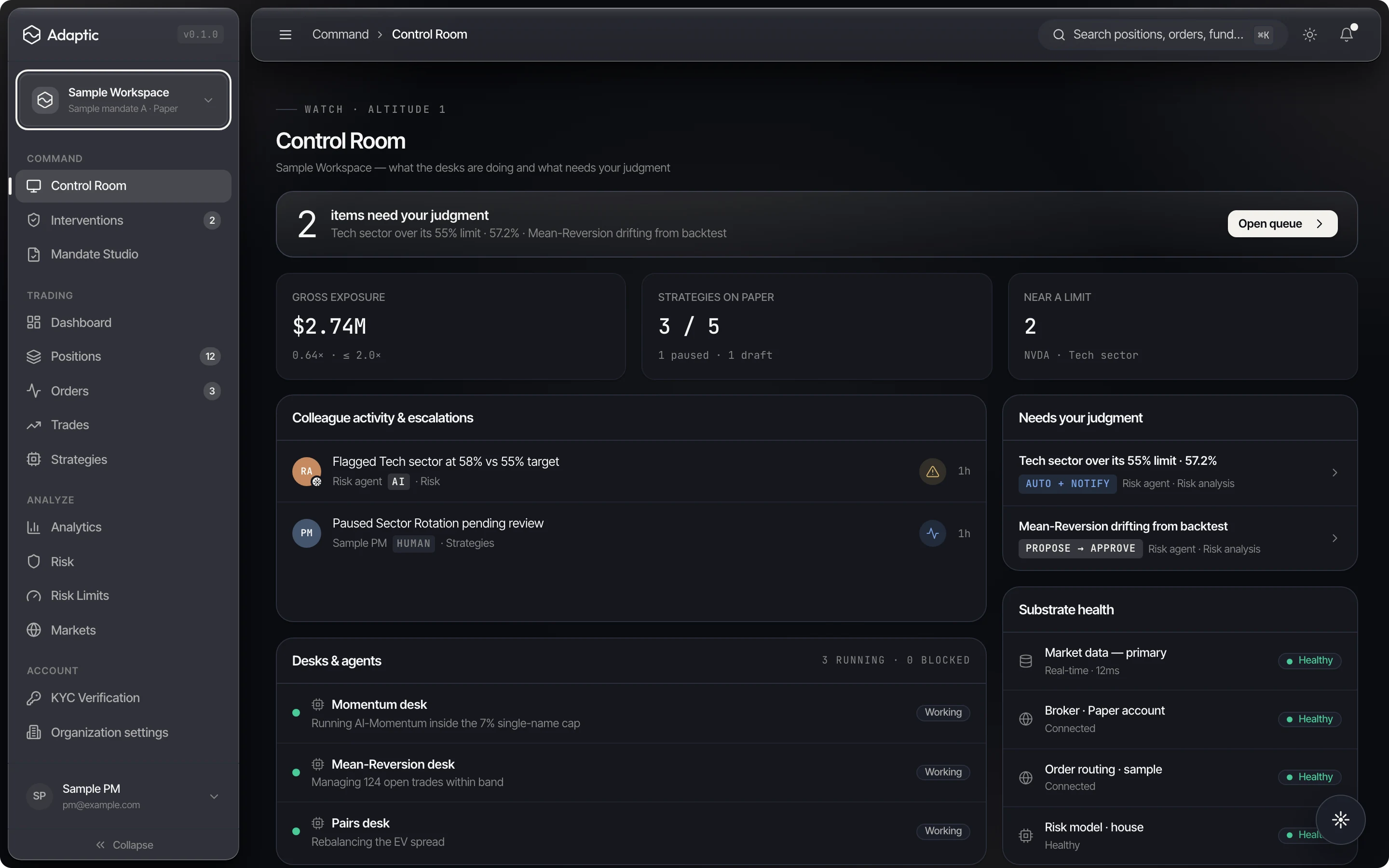
Adaptic OS control room for a portfolio manager: two items awaiting judgment, a sector-limit warning and a strategy drift. Beside them, gross exposure, strategies by state and names near a limit. Intervene: When judgment is needed, it reaches the right person. Set: Set the limits once. They hold on every order. Watch: See what is near a limit, and what needs you.
A workspace for every role. One record underneath.
Each person signs in to screens shaped to their job, scoped to one organisation, fund and account at a time. Everyone reads the same trades, limits and decisions.
- Eight roles, from portfolio manager and operations to risk, compliance, audit and investors.
- The same product on desktop, tablet and phone.
- Every screen is marked by what it is for: setting limits, watching the book or stepping in.
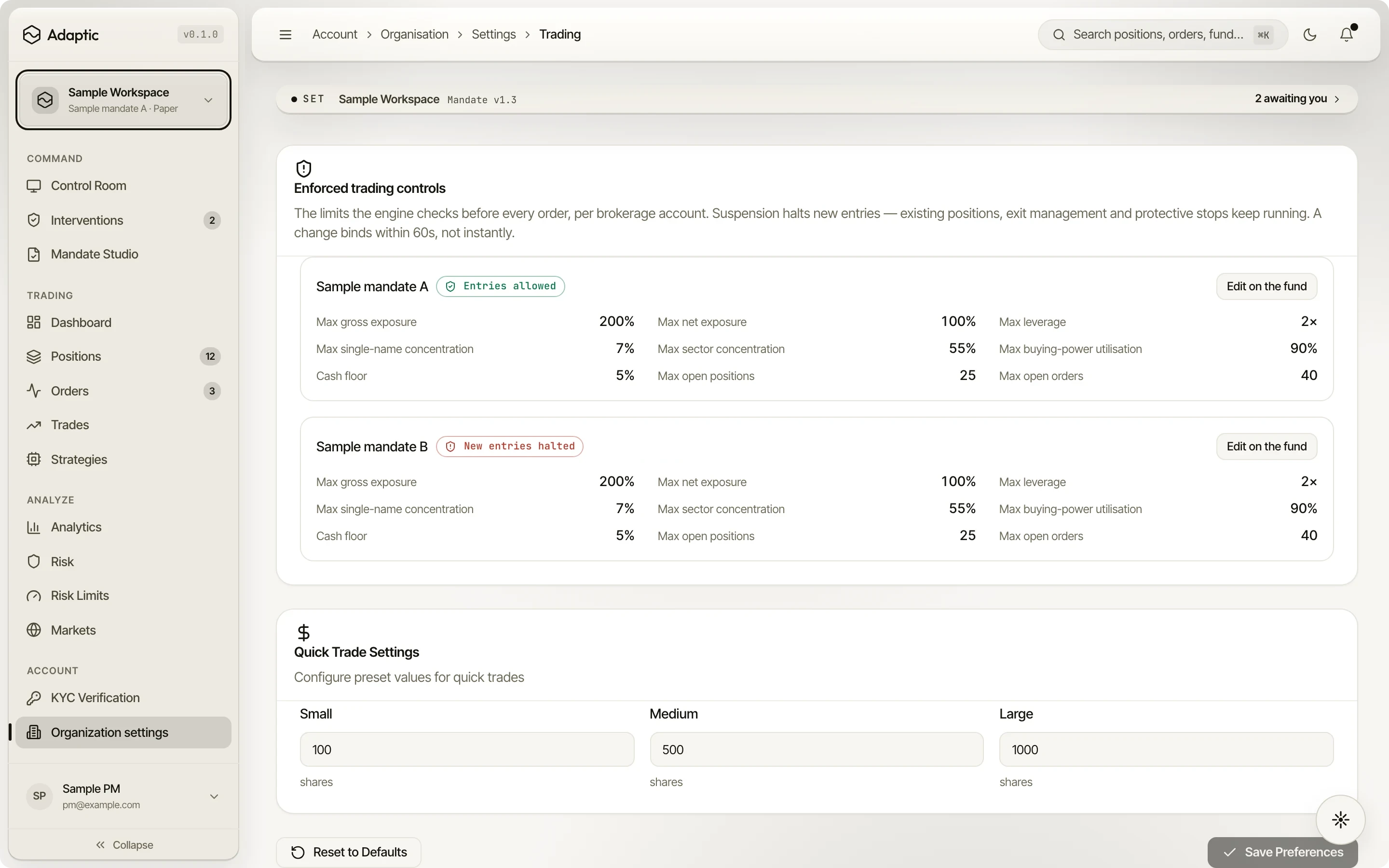
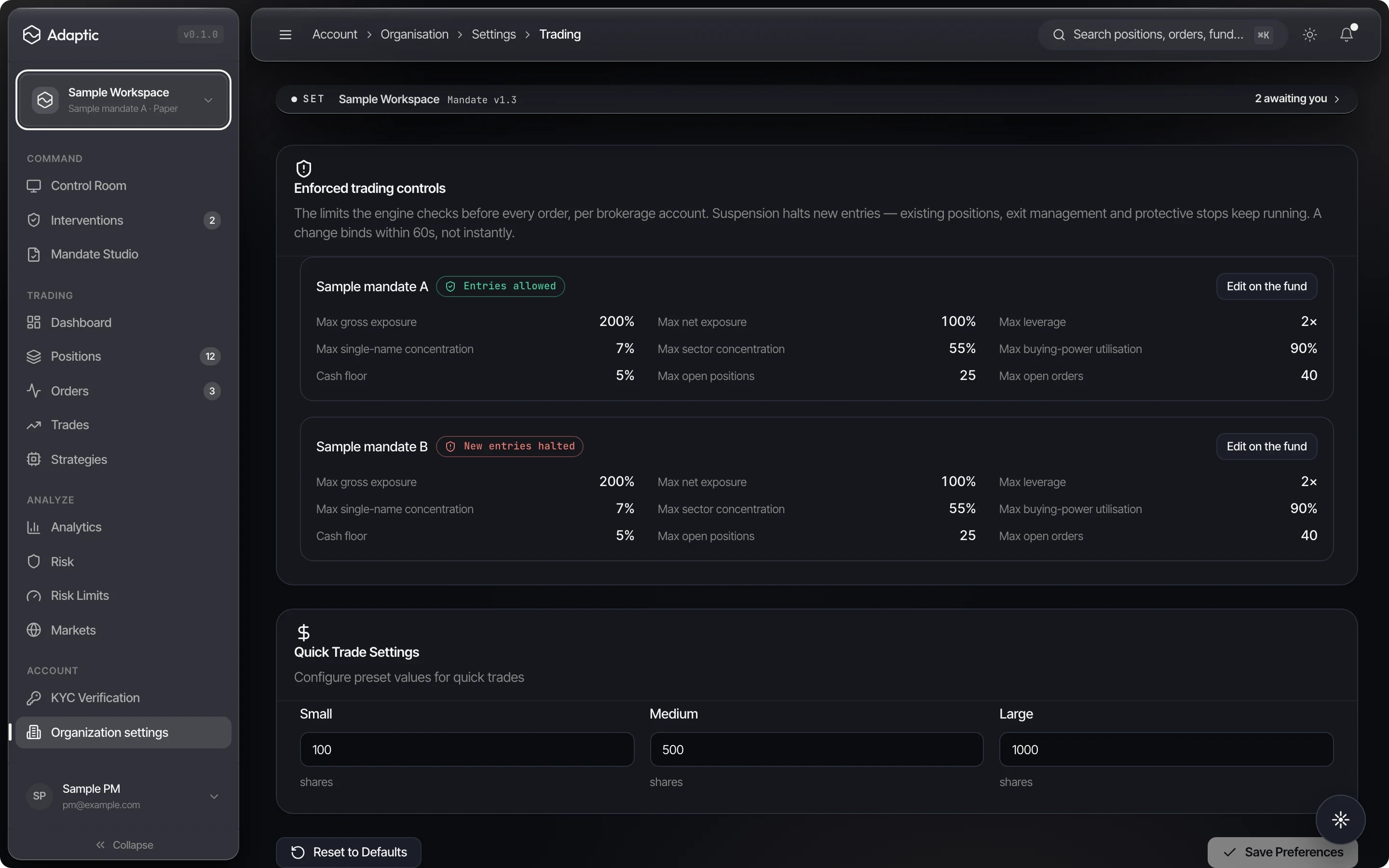
Set the limits once. They hold on every order.
Your people decide what the engine may do. The engine checks it before every order.
- Limits per accountExposure, concentration and open-position caps, plus which instruments and sides are allowed. The engine reads them on every decision.
- One switch stops new entriesOpen positions stay protected: exits and stops keep working. The change reaches the engine within a minute and records who made it.
- Policies in plain languageWrite charters, risk policies and procedures in Mandate Studio. Each version is approved by a second person, never by its author.
- Connect your brokerageA guided setup verifies your broker keys before anything is saved, then links the account to the engine.
See what is near a limit, and what needs you.
- The Control RoomAccounts near a limit, accounts halted, and items waiting for a decision, on one screen.
- The book, as it movesEquity, buying power and exposure stream in. Positions carry live marks and P&L, and every order shows its fill timeline.
- Risk and stressVaR, exposure, beta and margin against their limits, plus historical scenarios and a shock builder run against the current book.
- No manual order ticketEvery order comes from the engine and passes the same checks. The OS shows what was done and why.
When judgment is needed, it reaches the right person.
What the system should not decide alone is queued for a named person, with the evidence to decide well.
Every item answers
- What is at stake
- The case for acting
- The downside and the alternatives
- What happens if nobody acts
- Whether it can be undone
- A written reason is required before anyone can approve, reject or escalate.
- Sensitive acts need a second person to sign.
- Every decision is kept on the record.
Protective exits never wait for a decision.
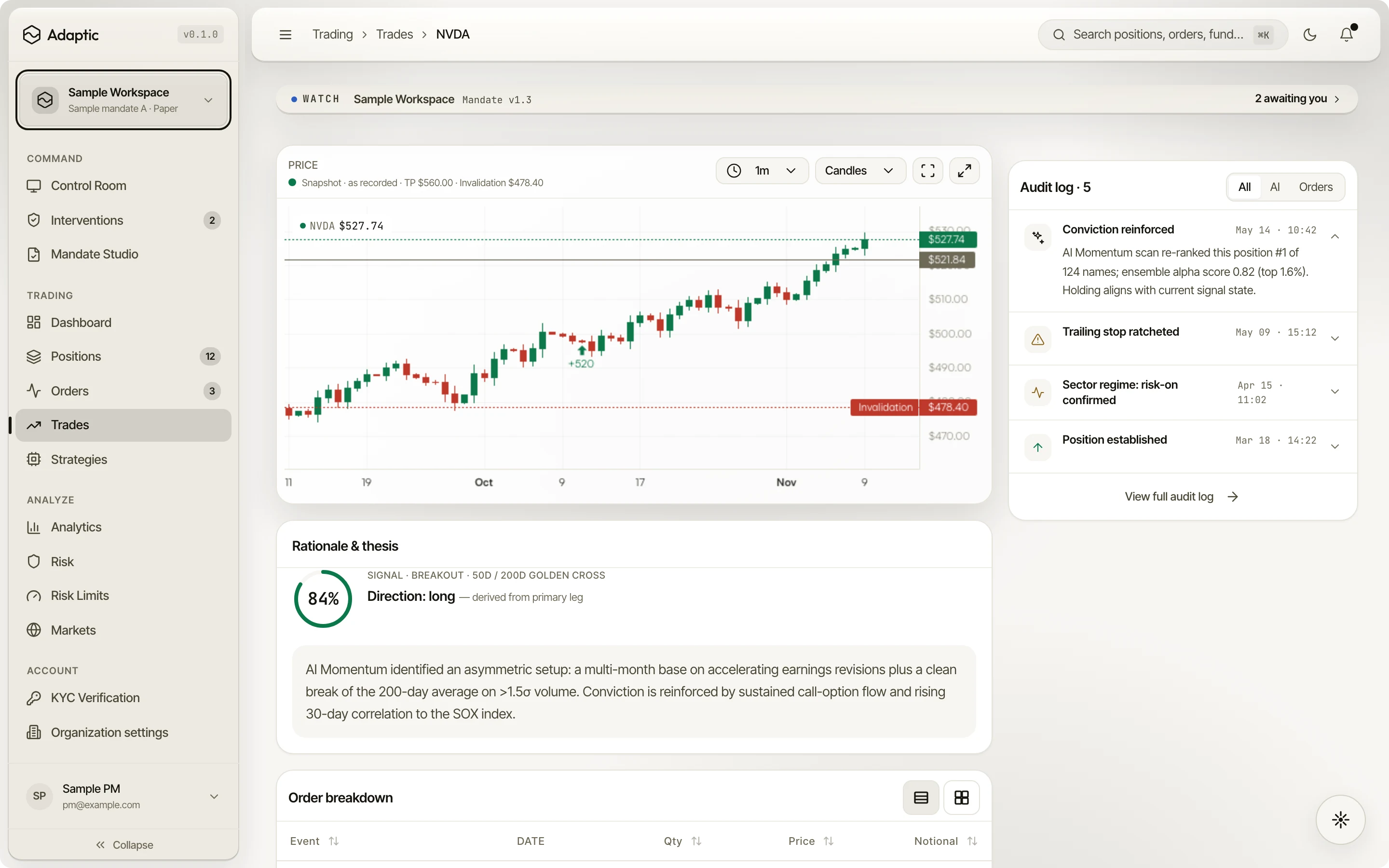
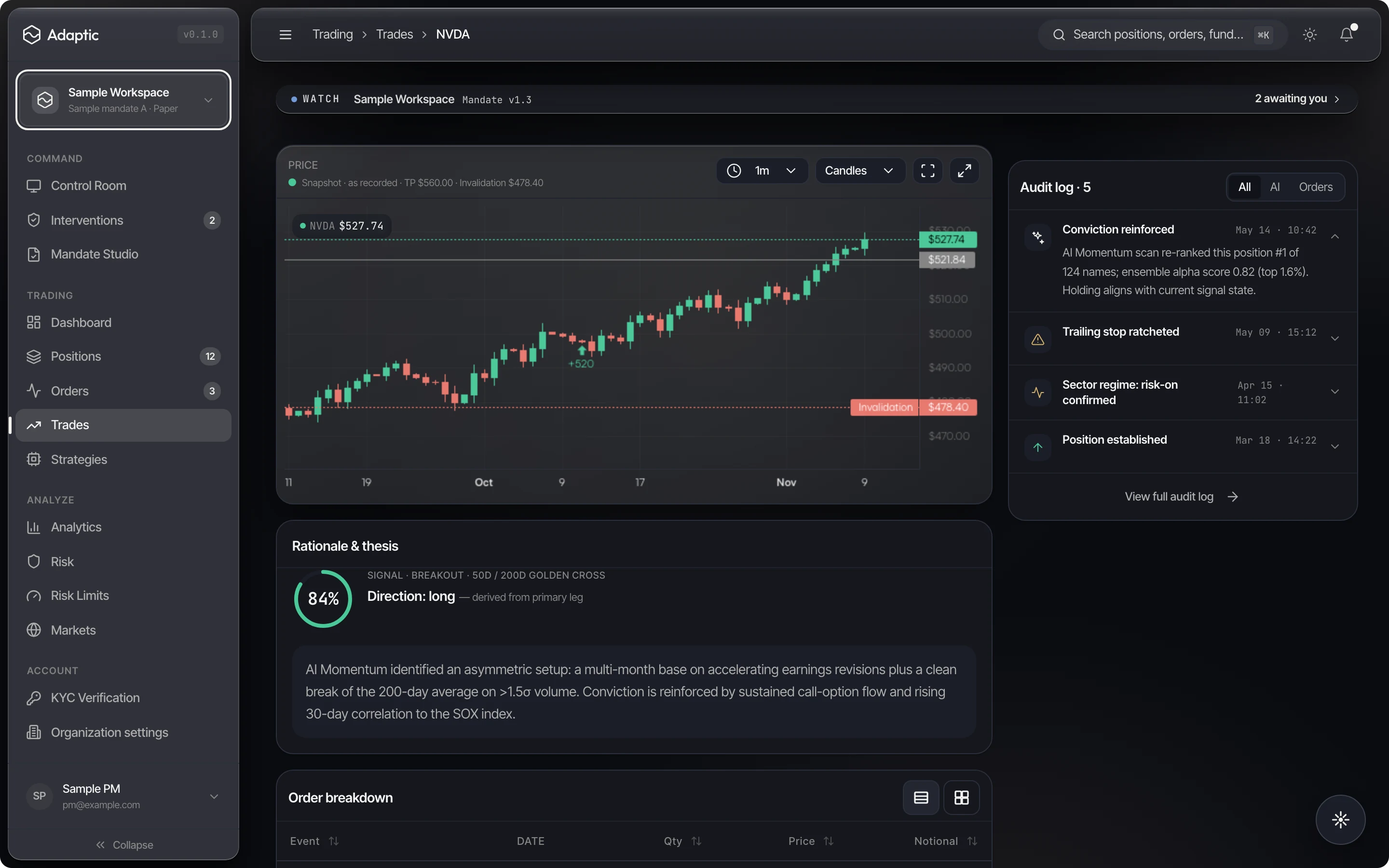
Every trade explains itself.
- The story of each tradeThe thesis, the target and the price that would prove it wrong, then every leg and how the trade moved for and against the position.
- The audit trailTrade and governance events, filtered by category or by AI and human actors, with the latest exported to CSV.
- Execution qualitySlippage against the mid at submission, by side and order type, with the fills behind it.
Ask your book a question.
Ada, the AI assistant in Adaptic OS, answers in plain language from live positions, risk, performance and trades. It reads; it never trades. It has no way to place, cancel or close an order.
Try asking
- “What needs my attention?”
- “Summarise my book”
- “Biggest risk right now?”
- How the pilot works
Six weeks in your own workspace, with no capital at risk.
- Technical briefing
The architecture in depth, under NDA.
See it with your own limits.
Walk through these screens with the team in a briefing. Or run them for six weeks in a shadow pilot, with your limits, your approvers and no capital at risk.